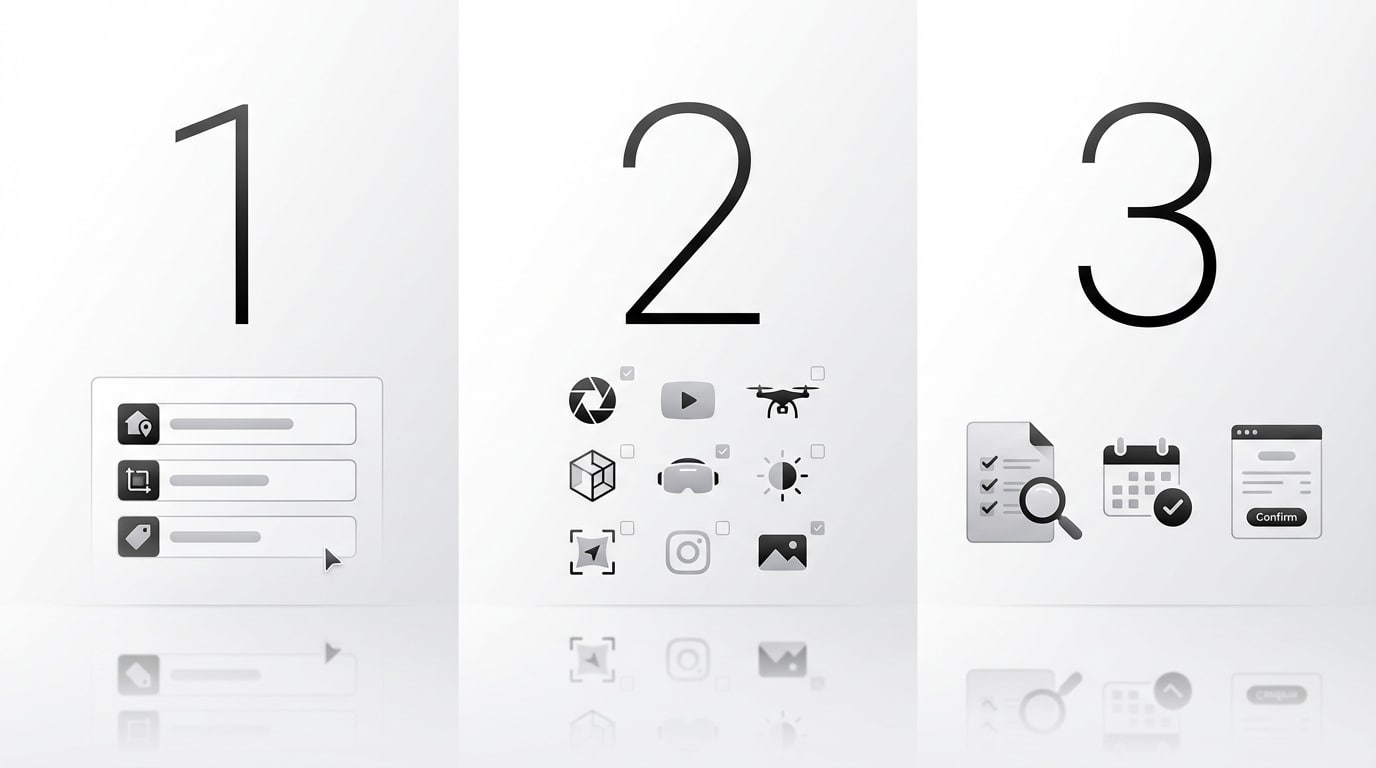
How customers book a property shoot with Remark Visions

Customers can book online through the Remark Visions booking flow on the main website and client scheduler.
Main booking links
-
Support phone: 617-295-7054
-
Support email: remark@open.oppy.pro
What the booking flow looks like
From the homepage, customers can click Book Now and land on the booking form titled Book Your Next Property Shoot.
Step 1: Enter listing details
The booking form asks for:
-
Listing Address
-
Square Feet
-
Listing Price
The address field uses suggested addresses, so the customer selects a suggested property address before continuing.
Step 2: Choose services
After entering the property details and clicking Choose Your Shoot, the customer is taken to a services screen titled Which services do you need?
Visible service options and add-ons in the flow include:
-
Same Day Rush — Photos delivered the same day as the shoot; exact timing varies by photographer schedule and demand.
-
Rush Delivery — Receive photos or floor plans the next business day by noon; applies only to photos and floor plans.
-
Matterport — Includes one 3D imaging scan of the listing. Hosting lasts one year or until the property sells, whichever comes first; extendable for $5/month per space. Turnaround: 1 business day.
-
Aerial Photos — Includes up to 15 aerial photos. Note: may be unavailable within 5 miles of major airports if FAA authorization cannot be obtained. Turnaround: 2 business days.
-
Exterior Photos — Includes up to 10 exterior photos of a single property. Turnaround: 2 business days.
-
Virtual Twilight — Includes 3 virtual twilight photos selected before the photographer leaves. Turnaround: 2–3 business days.
-
Virtual Staging — Includes virtual staging for 2 photos selected before the photographer leaves. Turnaround: 2–3 business days.
-
Virtual Summer — Includes virtual summer edits for 2 photos selected before the photographer leaves. Turnaround: 2–3 business days.
-
Photos + Floor Plans — Includes up to 35 photos plus floor plan(s) for finished areas. Listing must be fully photo-ready. Floor plans are for marketing use only and measurements are not guaranteed exact. Turnaround: 2 business days.
-
Photos — Includes up to 35 professional interior and exterior photos. Listing must be fully photo-ready. Turnaround: 2 business days.
-
Floor Plans — Includes floor plans of finished areas. One optional revision included. Measurements are not guaranteed exact and are for marketing use only. Turnaround: 2 business days.
-
Video Tour — Includes a 60-second video tour using a proven template. No revisions included; revisions billed at $129/hour with a one-hour minimum. Turnaround: 3 business days.
-
Video + Aerial Photos — Includes a 60-second video from interior, exterior, and aerial perspectives plus up to 15 aerial photos. One optional revision included; extra revisions billed at $129/hour with a one-hour minimum. Turnaround: 3 business days. Aerial airport restrictions may apply.
-
Aerial Video + Photos — Includes a 30–60 second aerial video plus up to 15 aerial photos. No revisions included; revisions billed at $150/hour with a one-hour minimum. Turnaround: 3 business days. Aerial airport restrictions may apply.
-
Zillow 3D + Floor Plan — 3D walkthrough style service intended to help the listing stand out and let buyers virtually explore the property.
-
Agent Introduction Add-On — Lets the agent record a short intro covering 2–3 key features, up to 75 words, to be integrated into a video service. Script should be prepared in advance.
-
Video Virtual Staging Add-On — Includes virtual staging for 1 video clip selected before the photographer leaves. Turnaround: 2–3 business days.
-
Vertical Video Tour — A 45-second vertical social-media-friendly video using a proven template. No revisions included; requested changes billed at $129/hour with a one-hour minimum. Turnaround: 3 business days.
The page copy also includes turnaround timing, revision terms, photo-readiness requirements, and notes for aerial availability near major airports.
Step 3: Continue through quote / appointment selection
The booking flow is app-based and continues after service selection. Based on the live scheduler flow and site copy, the customer proceeds through quote and scheduling steps after choosing services.
Factual details verified from the website:
-
The homepage says customers can browse local photographers, get a quote, and book a property shoot in minutes.
-
The platform is described as giving accurate travel time estimates.
-
The site says customers can book last-minute appointments.
-
The site promotes an all-in-one listing dashboard for managing listing assets.
Short customer-facing explanation
To book, the customer enters the property address, square footage, and listing price, clicks Choose Your Shoot, selects the services they want, then continues through the scheduler to review pricing and finalize the appointment.
Notes
-
The scheduler is hosted at
clients.remarkvisions.com. -
Some deeper appointment steps are rendered dynamically in the booking app, but the front-end flow is clearly: property details → service selection → continue through scheduling.
Visuals for article use
1-2-3 infographic