Oppy Welcome Kit
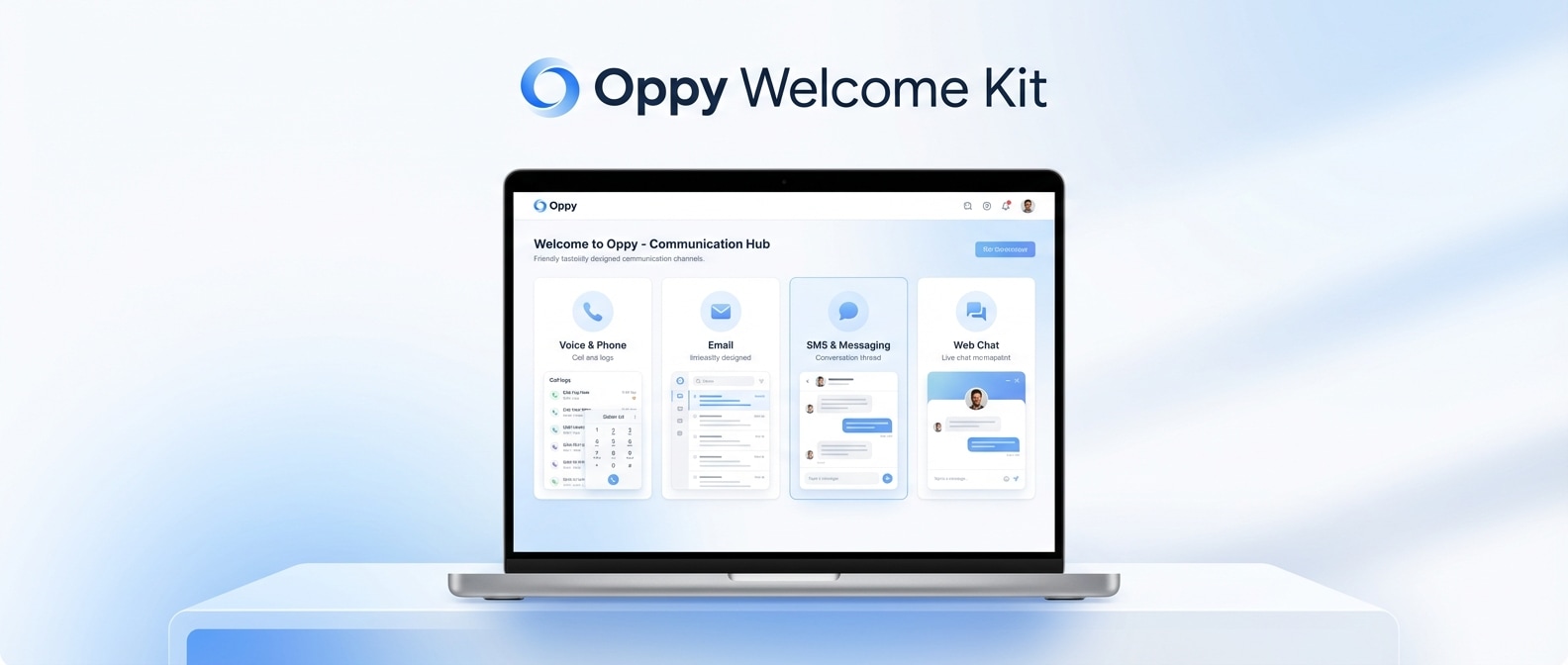
Welcome to Oppy — the platform for building AI employees that talk, text, email, and chat on behalf of your business. This master guide links to everything you need to become an Oppy expert.
Your Dashboard: app.oppy.pro
Start Here
Getting Started Guide
Your first 15 minutes — creating your account, building your first Oppy, testing it, sharing it, keyboard shortcuts, and Tips From Usage.
Core Features
Account Concierge (Smooth Operator) Guide
The floating AI assistant that manages your entire account. Create Oppies, update prompts, pull analytics, manage contacts — all through natural language. Representative examples from common onboarding and support scenarios.
Creating & Managing Your Oppies
Oppy setup — wizard, prompt editing, phone/SMS/email config, voice, share page, QR codes, embed widget, contextual buttons, managers, delivery states, version history, and industry-specific tips.
Understanding Conversations
Statuses, message types, the advanced view, communication methods, tags, needs attention, taking over, voice calls, memory, bulk operations, and filtering.
Knowledge & Organization
Knowledge Bases Guide
Your Oppy’s brain — creating from websites/documents/notes, semantic search, troubleshooting, connecting to Oppies, and real-time web search fallback.
Notes Guide
Press N! 4 visibility levels, attach to contacts/conversations, sync to knowledge bases, rule notes, version history, FUB sync, document upload.
Boards Guide
Kanban boards, lists, items, sales pipelines, linked items, automation rules, bulk operations.
Strategy & Best Practices
Prompting Best Practices
Anatomy of a great prompt, multiple example scenarios (Example Mortgage Academy, Example Realty Group, Example CRM, Example Homes Group, Example Lending, Example Agency), common mistakes, and the smart way to update prompts.
Integrations & Setup
Follow Up Boss, website embed, contextual buttons, QR codes, Google Calendar, Slack, webhooks, Salesforce patterns, and SMS compliance.
Events API & Timeline Guide
Send events from Stripe, Typeform, Calendly, Zapier, and any other tool to your Oppy Timeline. Includes API reference, code examples (curl, JS, Python, Ruby), popular integration patterns, and how to trigger Automation Rules from external events.
Follow-Up System Guide
Fixed vs auto scheduling, 12-step AI generation, prompt instructions, per-conversation overrides, business hours, DNC protection, and real case studies.
Triggers & Proactive Features
CRM tag triggers, form triggers, website buttons, QR codes, bulk outreach, automation rules, needs attention as trigger, and 5 ready-to-use playbooks.
Website Embed Deep Dive
Installation for every platform, starter prompts by industry, contextual buttons for every page type, hidden context, form-to-chat bridges, and dynamic button generation.
QR Codes & Sharing Deep Dive
All 7 sharing options, when to use each QR type, 30+ pre-filled SMS message examples, campaign tracking, placement tips, and social media templates.
Tools, Functions & Admin Permissions Deep Dive
Complete manifest of all 68 functions, admin vs public permissions, manager whitelisting, inbound email/SMS flow patterns, personal AI coach setup, and prompt injection protection.
Credits, Billing & Wallet Guide
How credits work, what costs what (SMS bash.05, voice calls ~/5min), auto-recharge setup, low balance warnings, prepaid packages, and cost optimization tips.
AI Image & Video Generation Guide
Built-in AI content creation — 2 image models, 11 aspect ratios, 4 resolutions, batch generation, template variables, 6 Veo video models, frame interpolation, and reference image consistency.
Lead Magnets & Event Capture Playbook
Complete walkthrough: webinar lead magnet from scratch (Oppy creation, prompt, QR code, follow-up), sample conversation flow, adaptations for conferences/ads/podcasts, campaign tracking, and conversion comparison vs traditional forms.—
Ideas & Examples
Ideas & Inspiration
Creative approaches — daily briefing podcasts, deal tracking, meeting recaps, interactive landing pages, multi-step funnels, recruiting assistants, and industry-specific quick wins.
Use Cases & Examples Gallery
Real implementations with prompt excerpts and results — Example Homes Group ISA, Example Lending Team, Example CRM triage, Example Realty Group, Example Mortgage Academy webinar, Example Agency reseller, and more.
Case Study: AI Brand Kit Designer Lead Magnet
Build an interactive AI brand kit generator: form-to-chat bridge, website crawling, logo generation, real-time iteration. Full code, prompt template, funnel diagram, and industry variations. —
Questions & Support
Frequently Asked Questions
Getting started, prompt training, voice, SMS/email, integrations, website, follow-up, pricing, security, and competitive comparisons.
Advanced Questions & Troubleshooting
Multi-agent architecture, Salesforce integration, voice advanced, reseller/white-label, troubleshooting, and performance metrics.
Quick Links
| Action | Where |
|---|---|
| Open dashboard | app.oppy.pro |
| Create new Oppy | app.oppy.pro/v2/oppies/new |
| Conversations | app.oppy.pro → Conversations sidebar |
| Contacts | app.oppy.pro → Contacts sidebar |
| Knowledge Bases | app.oppy.pro → Knowledge Base sidebar |
| Analytics | app.oppy.pro → Analytics sidebar |
| Boards | app.oppy.pro → Boards sidebar |
| Voice Library | app.oppy.pro/voices |
| Generate Images | app.oppy.pro/generate/photos |
| Account Settings | app.oppy.pro/profile |
| Billing & Plans | app.oppy.pro/billing-and-plans |
| Account Concierge | Click blue floating icon (bottom-right) |
| Quick note | Press N on any page |
| New contact | Press C on any page |
| New email | Press E on any page |
| New SMS | Press S on any page |
| New call | Press P on any page |
Need Help?
- Account Concierge — Click the blue floating icon on any page
- Slack — Your dedicated channel with our team (set up during onboarding)
- Weekly Check-ins — Review conversations and refine prompts together
- Share a Conversation — Click Share to send a link to our team
Built from product documentation, codebase analysis, and tested workflows. Every answer is grounded in actual platform capabilities. Last updated: March 2026.