Public Events & Automation Rules in Oppy
Who this is for: business users at current Oppy accounts, and prospects or evaluators who want to understand what Oppy’s events and automations make possible, no technical background needed.
Overview
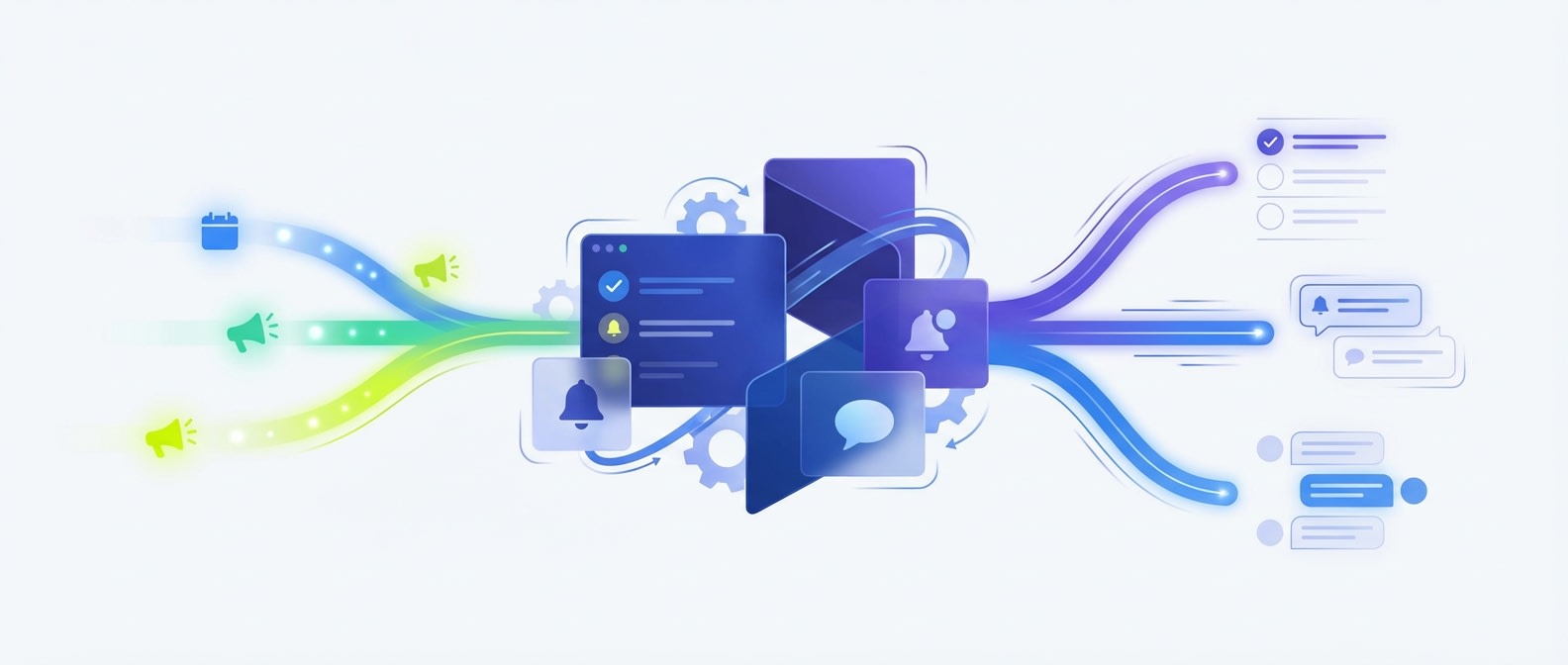
Oppy can turn business activity into action automatically.
When something important happens (like a meeting being booked, a website visitor showing buying intent, a support ticket being created, or a record being updated), Oppy can log that event and immediately trigger the next step.
That means your team does less manual checking, less copying and pasting, and less remembering what should happen next.
Why This Matters for Business Users
You do not need to think about this as “event payloads” or “webhooks.”
Think about it like this:
- Something happens in your business
- Oppy notices it
- Oppy takes the next action automatically
This helps teams:
- respond faster
- reduce missed follow-up
- create tasks automatically
- route work to the right person
- react to support issues in real time
- keep sales and operations moving without manual babysitting
What Counts as an Event
An event is simply a business moment Oppy can notice.
Examples:
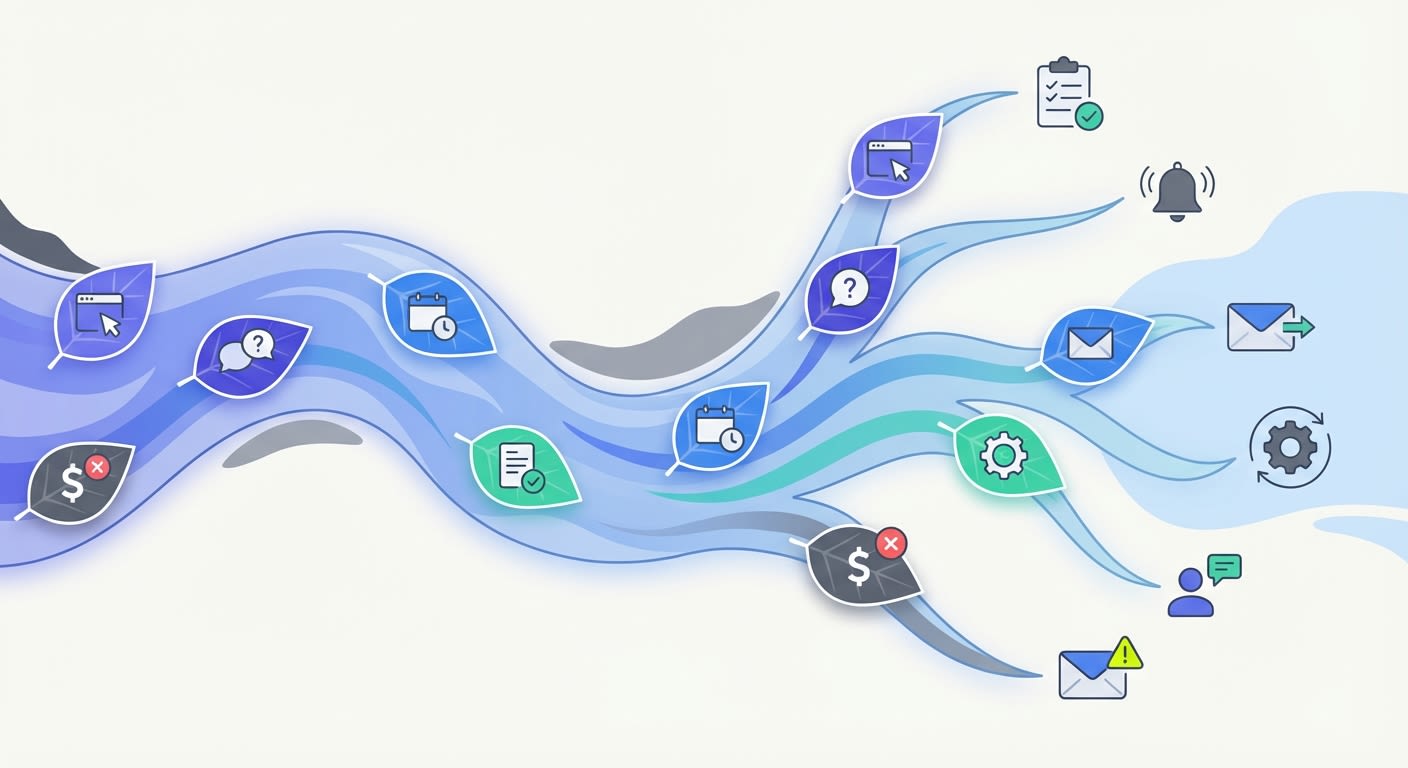
- a meeting gets booked
- a meeting gets rescheduled or cancelled
- a website visitor views key pages
- a lead submits a form
- a support ticket is created
- a contact is created or updated
- a payment succeeds or fails
- a note or task is created
What Automation Rules Do
Automation rules let you define:
- What happened
- What conditions matter
- What Oppy should do next
Common actions include:
- notify a person or Slack channel
- create a task or board item
- update a workflow card
- trigger a conversation by SMS or email
- hand work to a proactive agent
Simple Mental Model
Use this sentence:
When X happens, Oppy should do Y.
Examples:
- When a high-intent website visit happens, Oppy should create a follow-up task.
- When a support ticket is created, Oppy should alert the right person and start triage.
- When a meeting ends, Oppy should send the follow-up.
Business-Friendly Use Cases
1. New Website Interest Becomes Immediate Follow-Up
What happens: A visitor views a pricing page, demo page, or other high-intent page.
What Oppy can do:
- create a task for an agent
- notify sales instantly
- trigger a follow-up conversation
- add the lead to the right workflow
Business benefit: Hot interest gets acted on while it is still fresh.
2. Support Tickets Trigger Fast Response
What happens: A support ticket is created.
What Oppy can do:
- notify the support lead
- create a triage task
- trigger a customer acknowledgment
- route the issue to the right agent
Business benefit: Faster response times and fewer tickets sitting unowned.
3. Meetings Automatically Create Prep and Follow-Up Work
What happens: A meeting is booked, about to start, or ends.
What Oppy can do:
- remind the owner before the meeting
- gather notes and context
- create post-meeting follow-up tasks
- trigger recap or next-step outreach
Business benefit: Better meeting prep and more consistent follow-through.
4. Cancellations Create Recovery Work
What happens: A meeting is cancelled or rescheduled.
What Oppy can do:
- notify the owner
- create a save-the-deal task
- trigger a rebooking message
- update the pipeline automatically
Business benefit: Fewer opportunities die silently.
5. Lead Form Submissions Create Immediate Action
What happens: A lead submits a form.
What Oppy can do:
- create a task for the assigned rep
- send a quick acknowledgment
- trigger a qualification workflow
- notify the team if the lead matches a priority segment
Business benefit: New leads get handled quickly and consistently.
6. Payments or Subscription Changes Trigger Retention Work
What happens: A payment fails or a subscription changes.
What Oppy can do:
- alert the account owner
- create a retention task
- trigger outreach to the customer
- log the issue for operations review
Business benefit: Revenue issues get attention before they become churn.
7. Proactive Tasking for Agents
What happens: Important events occur across the business.
What Oppy can do:
- create proactive tasks for at least one agent
- assign work by workflow or urgency
- keep work queues current automatically
Business benefit: Agents spend less time checking systems and more time acting.
8. Simultaneous Support + Ops Reactions
What happens: A support issue comes in while related business activity is happening elsewhere.
What Oppy can do:
- create a support triage task
- notify operations
- trigger customer communication
- keep multiple agents aligned at the same time
Business benefit: One event can coordinate multiple teams without manual handoff.
Example Outcomes a Buyer Would Care About
- “Every hot website lead gets followed up on fast.”
- “Support tickets no longer sit waiting for someone to notice them.”
- “Meetings create prep and follow-up automatically.”
- “Cancellations trigger recovery instead of disappearing.”
- “Agents wake up to a prioritized task list instead of hunting for work.”
- “Customer issues route instantly to the right person.”
Example Customer-Friendly Prompts for Account Concierge
These are written for business users, not technical users.
Website Activity Prompts
- “Set up an automation so when someone visits a high-intent page, Oppy creates a task for an agent.”
- “When a visitor looks at pricing or demo pages, notify sales and create follow-up work.”
- “Create a rule so hot website activity triggers proactive outreach.”
Support Prompts
- “When a support ticket is created, make sure Oppy creates a triage task and alerts the right person.”
- “Set up support automations so urgent tickets get immediate attention.”
- “When a support issue comes in, create follow-up tasks and notify the team.”
Combined Workflow Prompts
- “Set event triggers up so automation rules create proactive tasks for at least one agent while also reacting to support tickets.”
- “Make Oppy react to both customer support events and sales-intent events automatically.”
- “When key events happen, create work for the right team without manual triage.”
Calendar / Meeting Prompts
- “When a meeting is booked, create prep work for the owner.”
- “When a meeting ends, trigger follow-up tasks and outreach.”
- “If a meeting is cancelled, create a recovery task and notify the owner.”
Executive / Ops Prompts
- “Set up automations so important business events automatically create tasks instead of relying on people to remember.”
- “Help me turn our key business events into proactive workflows.”
- “Create automation rules for the moments where speed matters most.”
Example Rule Ideas in Plain English
- When a pricing page is viewed, create a sales task.
- When a support ticket is opened, create a support triage task.
- When a demo is booked, notify the owner and prepare context.
- When a meeting ends, trigger the follow-up.
- When a cancellation happens, create a recovery workflow.
- When a high-priority lead submits a form, notify the team immediately.
Good First Automations to Set Up
If you are just getting started, begin with these:
- high-intent website activity → create sales task
- support ticket created → create triage task
- meeting ended → create follow-up task
- meeting cancelled → create recovery task
- lead submitted → notify owner and trigger response
How to Ask Account Concierge for Help
You can keep it simple. Try prompts like:
- “Find the right event and set up the rule for me.”
- “Turn this business moment into an automation.”
- “Make sure this creates a task and alerts the right person.”
- “Set this up so no one has to manually remember it.”
AI Concierge Support
Account Concierge can help you:
- identify the right trigger
- decide the right action
- set up the automation rule
- refine the workflow for the business outcome you want
You can describe the outcome in plain English, and Concierge can translate it into setup.
Notes
The most successful event automations are usually the simplest:
- catch an important moment
- create the next action immediately
- route it to the right person
Start with the moments where delay costs you money, speed, or customer trust.
For Developers
If you’re building a service to receive Oppy’s webhook calls (authentication headers, HMAC signature verification, JSON body templating), see the Send Webhook Action: Developer Integration Guide.